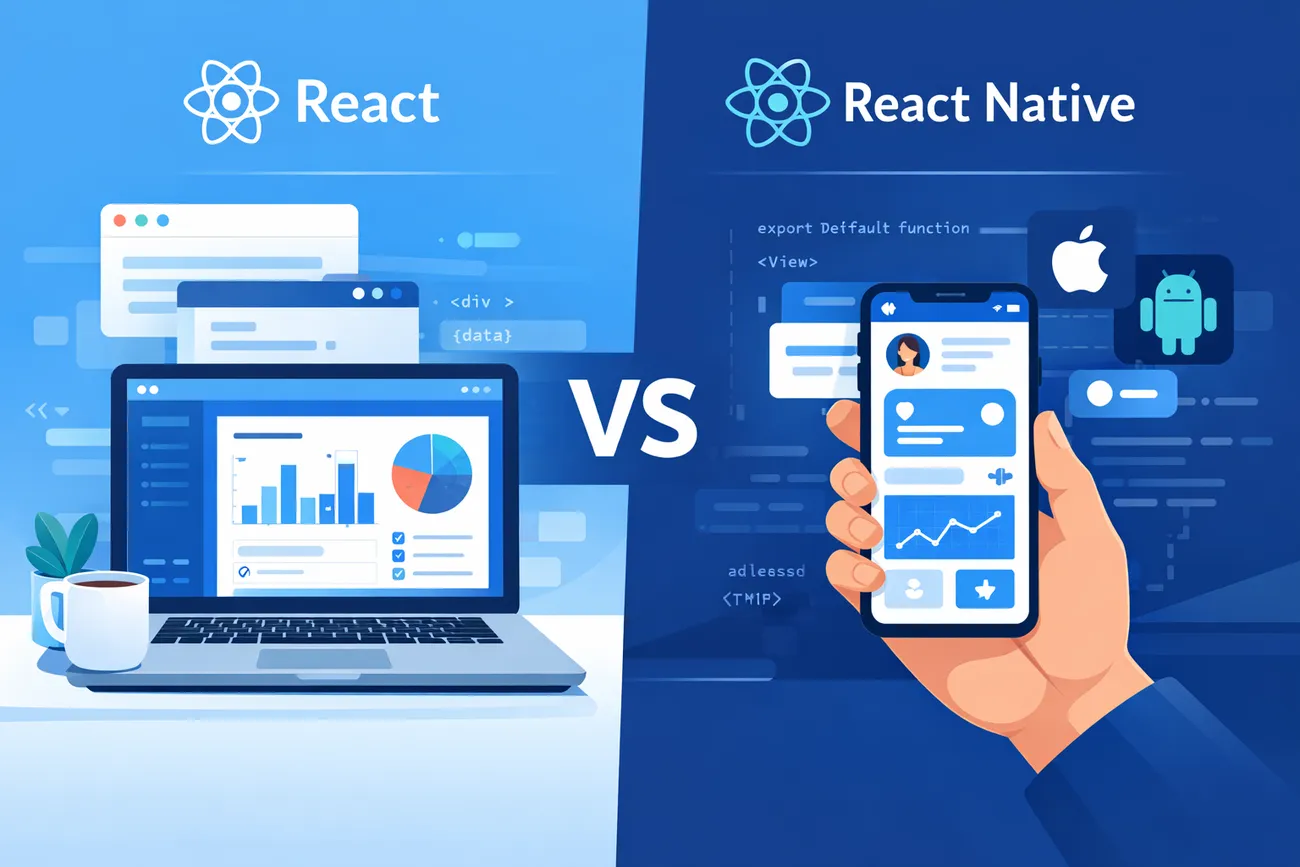
React vs React Native: What’s the Difference & When to Use Each?
React and React Native are two powerful technologies developed by Meta that help businesses build modern, high-performing applications—but they serve different purposes. React is primarily used for creating dynamic and responsive web applications, while React Native is designed for building cross-platform mobile apps using a single codebase. Although they share similar concepts like components and state management, their outputs and use cases differ significantly.
This blog breaks down the key differences between React and React Native, including performance, development approach, platform compatibility, and real-world use cases. It also helps businesses and developers understand when to choose React for scalable web solutions and when React Native is the better fit for mobile-first experiences, ensuring the right technology choice for long-term success.
React vs React Native: What’s the Difference & When to Use Each?
If you're building a digital product—whether a web app, a mobile app, or both—you've probably asked: React or React Native? The names are similar, and many people assume they're interchangeable. They’re not. But they are related, and that relationship is useful.
I’ve worked with startups and product teams where this decision shaped timelines, budgets, and user experience. In my experience, choosing the wrong technology up front often means rework later. This guide lays out the practical differences between the React framework and React Native development, shows when one makes more sense than the other, and points out the common mistakes we see. My aim is to help founders, PMs, CTOs, and developers pick the right tool for the job—and to explain how Agami Technologies can help if you want a partner to implement the solution.
Quick summary: The bottom line
React (often called React.js) is a JavaScript library for building user interfaces in the browser. Use it for web development with React—single-page apps, server-rendered apps, PWAs, and complex web front ends.
React Native is a framework for building native mobile apps using JavaScript and a React-like component model. It compiles to native UI elements and integrates with native APIs. It’s meant for mobile app development and cross-platform app development across iOS and Android.
So: React = web. React Native = native mobile. They share concepts, but they address different platforms and runtime environments.
How they relate (and why the names are similar)
React introduced the component model, virtual DOM, and a declarative way to build UIs. React Native borrowed the component model and the idea of declarative UI, but instead of rendering to the DOM it renders to native UI views (UIView on iOS, View on Android). The developer experience—JSX, components, props, state, hooks—feels familiar. That’s why many teams find the learning curve gentler when moving from React to React Native or vice versa.
However, underneath those similar APIs are different rendering targets, different performance considerations, and different tooling. Think of React and React Native as cousins: they share family traits, but they live in different houses.
Key technical differences
- Rendering target: React renders to HTML/CSS in a browser. React Native renders to native platform widgets (not HTML).
- Styling: Web uses CSS (and variants like CSS-in-JS). React Native uses a subset of CSS-like styles expressed as JavaScript objects (StyleSheet.create). Layout is powered by Flexbox in both, but web and native still have differences in behavior and supported properties.
- Platform APIs: Browser APIs (DOM, window, localStorage) vs mobile native APIs (camera, accelerometer, push notifications). React Native uses a bridge to call native modules or can use community modules that expose native features.
- Navigation: On the web you use routing libraries (React Router, Next.js routing). On mobile you use native-like navigation libraries (React Navigation, React Native Navigation) which integrate with back gestures and native screens.
- Deployment: Web deploys to servers/CDNs; mobile apps deploy through App Store and Play Store, with extra review and versioning constraints.
Development workflow and tooling
Both ecosystems use JavaScript/TypeScript and npm/yarn, so there’s overlap. But tooling diverges quickly.
For web development with React you'll likely reach for frameworks like Next.js for server-side rendering (SSR) and static generation, or CRA/Vite for single-page apps. These frameworks help with routing, SEO, and performance optimizations like code-splitting and prefetching.
React Native development typically uses either the React Native CLI or Expo. Expo streamlines bootstrapping and many native APIs, which speeds up prototyping and reduces native build complexity. The tradeoff is some limitations when you need custom native modules. The React Native CLI gives more control but requires native build knowledge (Xcode, Android Studio).
I've noticed teams underestimate the native tooling overhead: signing builds, configuring provisioning profiles, and debugging native crashes. Expect to spend time in Xcode and Android Studio if you go native.
Performance considerations
React’s performance conversations are mostly about network latency, DOM updates, and SSR/hydration. On the web, optimizing bundle size, using code-splitting, and avoiding unnecessary DOM rerenders are the big wins.
React Native’s performance constraints are different. Rendering uses a bridge between JavaScript and native threads. Too many JS-to-native calls, heavy layout recalculations, or expensive JavaScript work on the main JS thread can cause dropped frames and laggy UI.
Common React Native performance tips:
- Use FlatList and avoid rendering large lists in ScrollViews.
- Use useMemo and useCallback to limit re-renders.
- Prefer native animations or use useNativeDriver when possible.
- Profile with Flipper and native profilers; consider Hermes for JS performance on Android.
In short: web performance relies on network and DOM strategies; mobile performance is driven by native rendering and bridge interactions.

UI & UX: native look-and-feel vs web universality
We often get asked whether React Native apps "feel" native. The answer: they can. Because React Native renders actual native widgets, you can achieve platform-consistent animations, gestures, and interactions. But it's not automatic—navigation patterns, platform-specific affordances, and attention to detail matter.
On the web, React lets you craft pixel-perfect, responsive UIs. You get the full power of CSS, media queries, and complex layouts. But the web can’t match native device integrations (like background location tracking or low-level sensors) without native bridges or PWA fallbacks.
If your product relies heavily on device hardware, complex gestures, or needs top-tier animation performance, React Native (or native development) is usually a better fit.
Code reuse and cross-platform strategies
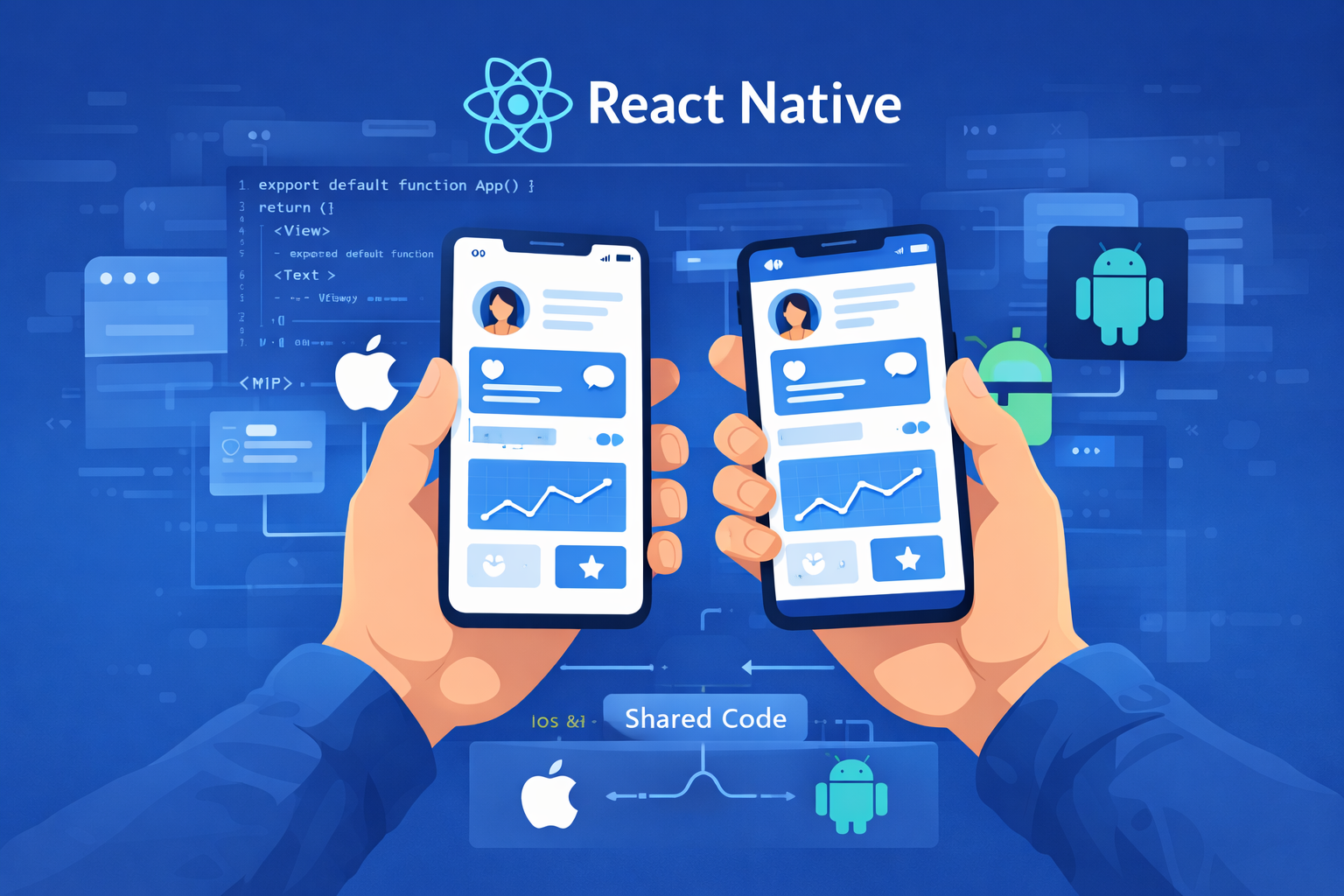
One of React Native’s biggest selling points is cross-platform app development. You write JavaScript and reuse a lot of business logic across iOS and Android. Many teams aim for a single codebase and deliver two apps with less effort than writing native iOS and Android apps separately.
That said, 100% code reuse is rare. Platform-specific UI, conditional code paths for OS quirks, and native modules often force divergence. Plan for a realistic reuse rate—50–80% is common for many apps.
Another approach is to share code between a React web app and a React Native app. That can work well for business logic, state management, and API layers if you structure your repo carefully. Tools like React Native Web let you render React Native components in a browser, which can simplify code sharing. In my experience, pushing for maximum reuse without architecture discipline is a risk: testing, design systems, and platform-specific behavior add complexity.
Learning curve and team skills
If your team already knows React, picking up React Native is straightforward for the UI/logic side. Hooks, JSX, and state management translate. But don’t forget the native side: build systems, platform debugging, and OS-specific behaviors require additional skills.
For teams without mobile experience, Expo is a pragmatic entry point. It removes much of the native setup friction and speeds up prototyping. Later, if you need native modules, you can “eject” and move to the native toolchain.
Conversely, if you have mobile engineers with native expertise but little JS experience, native development may be faster to deliver a polished product than retraining them on React Native.
When to use React (web development with React)
- Your primary target is the browser. If your product is a website, dashboard, or web PWA, React is the obvious choice.
- SEO matters. Use React with SSR frameworks like Next.js if search visibility and social sharing previews are important.
- Complex UI in the browser. Data-heavy admin panels, interactive visualizations, or tools like a Social media post generator that rely on dynamic previews, rich text editing, and real-time rendering fit React well.
- Faster iteration and deployment. You can push updates instantly via CDN without app store review cycles.
One mistake I see is trying to shoehorn mobile-specific UI patterns into a web app because the team already built mobile. Don’t confuse reuse for fit: responsive web needs different navigation and layout decisions than mobile apps.
When to use React Native (mobile app development)
- You want native device capabilities. Push notifications, background tasks, Bluetooth, or deep hardware integration are easier with a native or React Native approach.
- Cross-platform mobile app with shared logic. React Native speeds development of iOS and Android apps when the UI can be shared.
- Performance-sensitive UI. For apps that need smooth gestures and native transitions, React Native is often better than a hybrid web-in-webview approach.
- One codebase for faster time-to-market. If you can accept some platform divergence, React Native reduces duplication compared to two native teams.
Watch out for underestimating native complexity. If your app needs a lot of custom native modules, the benefits of cross-platform JavaScript diminish. Also, app store distribution adds friction—build configurations, signing, and approvals take time.
Common mistakes and pitfalls
Here are mistakes I've seen repeatedly when teams choose between React and React Native:
- Assuming 100% code reuse. Platform differences mean you’ll often write custom UI or glue code. Plan for it.
- Skipping performance profiling. For mobile, not profiling leads to janky UIs. For web, not monitoring bundle sizes slows users down.
- Choosing Expo without evaluating native needs. Expo speeds up development but can hold you back if you need custom native modules extensively.
- Neglecting platform UX patterns. Users expect platform-specific navigation and gestures. Design accordingly.
- Underestimating testing and QA. Platforms behave differently. Invest in device testing and automated suites for each target.
Testing, CI/CD, and release management
Both ecosystems benefit from automated testing and continuous integration. The differences show up in build/release steps.
For web: automated builds push to CDNs; you can run unit tests, e2e tests (Cypress, Playwright), and performance checks in CI. Deployment is fast and frequent.
For mobile: your CI pipeline must produce signed binaries for App Store and Play Store, and you have to handle provisioning profiles and keystores. Beta distribution via TestFlight or Google Play’s internal track helps QA, but releases take longer and need careful versioning.
A common practice is to use feature flags and staged rollouts to reduce risk. I've found staged rollouts crucial for catching platform-specific crashes that slipped through QA.
Third-party libraries and ecosystem
React’s ecosystem is mature—routing, state management (Redux, Zustand, Recoil), styling solutions, form libraries, charting libraries, and more. For web development with React, you’ll rarely need to build something from scratch.
React Native also has a healthy ecosystem, but it’s more fragmented. Libraries often wrap native modules and may require native linking. When picking a package, check maintenance activity, open issues, and whether it supports your target OS versions. If a library needs native changes, you’ll need devs who can build and maintain those native pieces.
Another point: native SDK integrations (like analytics, crash reporting, or payment) often provide native-first SDKs. You’ll use wrappers or native modules to integrate these in React Native.
Alternatives & hybrid approaches
React and React Native aren’t the only options. Consider them alongside alternatives:
- PWA (Progressive Web App) — Good for broad reach without app store friction. Limited access to native features compared to real native apps.
- Flutter — A cross-platform framework using Dart that renders consistently across platforms. It can be faster for some UI-heavy apps but requires Dart expertise.
- Ionic / Capacitor — Hybrid web-based mobile frameworks that embed web views. Easier if you already have a web app, but UI/UX may feel less native.
- React Native + Web (React Native Web) — Share components across web and mobile, but requires disciplined design systems and careful handling of platform specifics.
In many projects, teams pick a combination: React for the web + React Native for mobile, sharing business logic and APIs but maintaining platform-specific UI. That approach balances user expectations with engineering efficiency.
Cost, time-to-market, and hiring considerations
From a budgeting standpoint, web development with React is typically cheaper to iterate on—deploys are instant, and you don’t need separate App Store approvals. React Native can reduce cost compared to parallel native development teams, but expect additional costs for native build expertise, device testing, and potential native module development.
Hiring matters. Developers comfortable with the React framework can likely pick up React Native faster than a native developer can learn web-specific performance optimization. But if you need deep platform optimization or hardware integration, hire or contract native mobile engineers.
Real-world decision checklist
Use this checklist when picking between React and React Native:
- Who is the primary user—web users or mobile users? Prioritize their platform.
- Do you need native APIs (camera, BLE, background tasks)? If yes, favor React Native.
- Is SEO or web discoverability important? Choose React with SSR.
- How much code reuse do you realistically expect? Plan for 50–80% reuse, not 100%.
- What’s your team’s expertise? Leverage existing strengths (web dev vs mobile dev).
- Does your timeline favor fast iteration or polished native experience? Expo/React Native for speed; native for polish if you have the resources.
- What’s your maintenance budget? Web apps are easier to update post-launch.
Migration and scaling strategies
If you’re starting with one platform and plan to expand, consider these strategies:
- Start with a robust API layer so the same backend powers web and mobile clients.
- Modularize business logic into shared packages (npm monorepo or internal packages) to reuse on web and mobile.
- Use feature flags to release cross-platform features gradually.
- Adopt design tokens and a component library that can be adapted for web and native, reducing friction when building new clients.
From experience, teams that invest in shared architecture early avoid duplicated effort later. That said, don’t over-engineer: sometimes shipping an MVP on one platform and validating demand is the fastest path.
Case examples (short)
Example 1: A marketplace that started as a responsive web app using React. The team prioritized discoverability and time-to-market. After user feedback showed heavy mobile usage, they built a React Native mobile app that shared API logic and authentication logic but implemented a mobile-native navigation and checkout flow for better conversions.
Example 2: A fitness app that needed tight sensor integration and smooth animations. The team chose React Native early, used native modules for heart rate sensors, and adopted Hermes for Android to improve JS performance. They hit a good balance between cross-platform code reuse and native-level UX.
Practical tips & common pitfalls when building with React or React Native
- Measure early: Set up performance and error tracking (Sentry, Firebase Crashlytics) from day one.
- Design for platforms: Create separate UX flows for web and mobile where it makes sense.
- Limit third-party native modules: Each native dependency can add build overhead and maintenance risk.
- Optimize list rendering: On mobile, use FlatList/SectionList and memoize item renderers.
- Prefer TypeScript: It reduces runtime bugs across both ecosystems.
- Keep native builds reproducible: Pin Xcode versions and Android SDK versions in CI.
How Agami Technologies can help
At Agami Technologies, we’ve built web and mobile products across industries—marketplaces, fintech apps, and internal tools—using both the React framework and React Native development. We help teams decide which path suits their product, prototype using Expo or Next.js for fast validation, and then scale with the right architecture.
Whether you need a quick MVP on mobile, a pixel-perfect web app, or a cross-platform product that balances reuse with native UX, we can run a short technical discovery, propose an architecture, and estimate cost/time. We’ve navigated the common pitfalls above—native build complexity, performance bottlenecks, and platform divergence—and we bake solutions into the plan from day one.
Decision scenarios — quick recommendations
- Single web product with SEO needs: React + Next.js
- Mobile-first consumer app where speed matters: React Native (start with Expo if you need rapid prototypes)
- Both web and mobile with shared business logic: React for web + React Native for mobile, share backend and logic modules
- Hardware-intensive mobile product: Consider native or React Native with planned native modules
- Fast MVP across platforms with minimal native features: PWA or React Native (Expo)
Helpful Links & Next Steps
If you want a short technical review of your product idea and a suggested stack (including tradeoffs and rough estimates), schedule a one-on-one with our team.
https://agamitechnologies.com/blog/
Final thoughts
React vs React Native isn't a battle to win—it's a choice based on goals, users, and tradeoffs. React is the go-to for rich web experiences and SEO-sensitive apps. React Native shines for cross-platform mobile apps that need native integrations and smooth interactions. Both share a developer paradigm that reduces mental overhead when you have teams working across platforms.
I've noticed that teams who make decisions with a clear list of priorities (time-to-market, user expectations, hardware needs) and plan for realistic code reuse tend to ship faster and iterate more effectively. If you're unsure, start small: validate on the most important platform, measure, and then expand with a disciplined shared architecture.
We’d be happy to help you evaluate the right path for your product. Book a quick session and we’ll walk through options tailored to your goals and constraints.