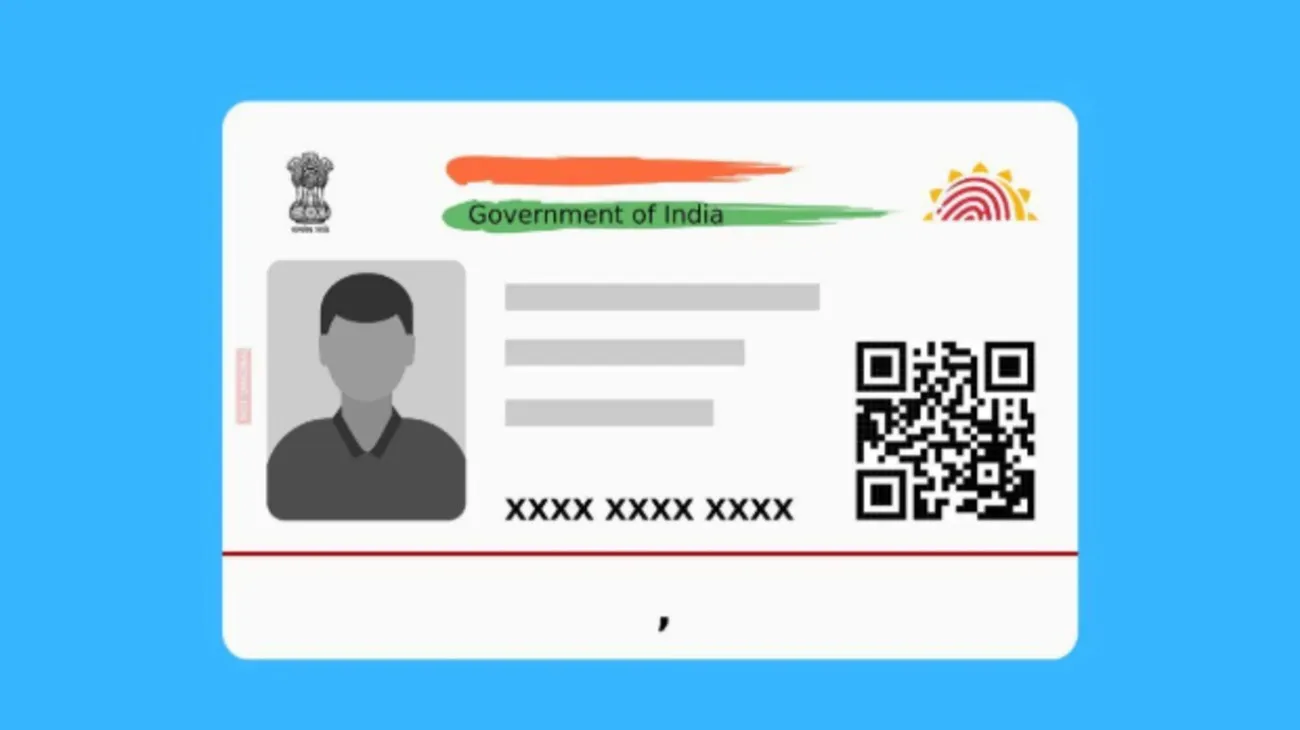
Aadhaar Address Change Online & How to Download Your e-Aadhaar in 2026
The Aadhaar card has revolutionized the way Indians interact with government and private service providers. As the quintessential proof of identity and address in India, ensuring the details on your Aadhaar card are updated is crucial. One of the most common updates requested by users is an address change, which can now be done conveniently online. Additionally, with the rise of digital services, downloading your e-Aadhaar has become easier than ever. In this guide, we'll walk you through the process of Aadhaar address change online and how to download your e-Aadhaar in 2026.
Why Keeping Your Aadhaar Address Updated Is Important
Your Aadhaar card serves as a vital document for identification and address proof, used across banks, government schemes, telecom services, and even for travel bookings. If your address changes due to relocation, marriage, or other circumstances, updating this detail is essential to ensure validity in services where Aadhaar-based verification is required. Address mismatches can delay processes such as opening bank accounts, accessing subsidies, or availing government services.
Thanks to the Indian government's push for digital governance, aadhar card address change online has become a convenient option, meaning you don't need to visit a physical Aadhaar Enrolment Center to update your address. All you need is an internet connection and valid documents to complete the procedure online.
Aadhaar Address Change Online: Step-by-Step Process
In 2026, the Aadhaar address change process remains an easy-to-follow, secure, and time-saving option for users. Here's a step-by-step guide to help you complete the update online:
1. Visit the Official Portal
Go to the official UIDAI website at https://uidai.gov.in. This centralized platform offers a range of services, including Aadhaar address updates, e-Aadhaar download, and more.
2. Login with Your Aadhaar Details
Look for the "Update Your Aadhaar" section and select "Update Demographics". You'll be prompted to log in using your Aadhaar number and an OTP (One-Time Password) sent to your registered mobile number. Ensure your mobile number is updated with your Aadhaar, as this is required for online authentication.
3. Provide Address Details
After logging in, proceed to update your address. You'll be asked to enter your new address as per your proof of residence document. Carefully fill in the details to ensure accuracy.
4. Upload Supporting Documents
For an Aadhaar address change, you need to upload a valid proof of address. Documents such as a rental agreement, passport, voter ID, electricity bill, or bank statement are commonly accepted. Ensure the uploaded file is clear and in the prescribed format, such as PDF or JPEG.
5. Submit the Request
Once all details are filled in and the supporting document is uploaded, review your application to ensure there are no errors. Submit the request and note down the Update Request Number (URN) provided to track the status of your update.
6. Check Status of Application
To track the progress of your address update, revisit the UIDAI website and use the URN in the status check option. Once approved, your Aadhaar card will reflect the updated address.
What Is e-Aadhaar and Why Should You Download It?
The e-Aadhaar is a digital version of your physical Aadhaar card, which serves as an equally valid proof of identity and address. It includes all mandatory details, including your name, date of birth, Aadhaar number, and photograph. The e Aadhaar card download is especially useful when you need rapid access to your Aadhaar details, whether for applying to online schemes or presenting as identity proof.
How to Download Your e-Aadhaar Card in 2026
Downloading an e-Aadhaar card is a quick and hassle-free process. Here's how you can do it:
1. Go to the UIDAI Website
Visit the UIDAI portal at https://uidai.gov.in. From the homepage, navigate to the "Get Aadhaar" section and select the "Download Aadhaar" option.
2. Enter Required Details
To retrieve your e-Aadhaar online, you'll need to provide:
Your Aadhaar number (or Enrollment ID, if applicable)
Your full name
Your registered mobile number or email ID
3. Authentication with OTP
An OTP will be sent to your mobile number that is linked with your Aadhaar. Enter the OTP to authenticate your identity.
4. Download and Password Protect Your e-Aadhaar
Once authenticated, you will be able to download your e-Aadhaar as a PDF file. Remember, the PDF is password-protected for security purposes. The password is typically a combination of the first four letters of your name (in uppercase) followed by your year of birth. For example, if your name is Rajesh Kumar and your birth year is 1989, your password will be RAJE1989.
5. Print and Use Your e-Aadhaar
While the e-Aadhaar can be used directly from your device, you can also print it for use wherever required.
Tips for Streamlining Aadhaar-Related Processes
Always ensure your mobile number is linked and updated with your Aadhaar card for smooth authentication and OTP-based login.
Keep scanned copies of your Aadhaar-related documents handy for quick updates or downloads.
Regularly check UIDAI's announcements for new features, guidelines, or updates related to e-Aadhaar or address changes.
Conclusion
Updating your Aadhaar details, especially your address, is a vital task for seamless interactions with services that rely on Aadhaar-based verification. With the simplified process of Aadhaar address change online, users can ensure their card reflects accurate information at all times. Furthermore, the e-Aadhaar card download makes accessing your credentials digitally effortless, ensuring you're never caught unprepared when proof of identity or address is required. Whether you're relocating cities or simply adopting digital solutions in 2026, the Aadhaar ecosystem continues to empower Indians with convenience and control.
Ensure your Aadhaar details are always up to date and accessible—it's your gateway to countless essential services in modern India.